
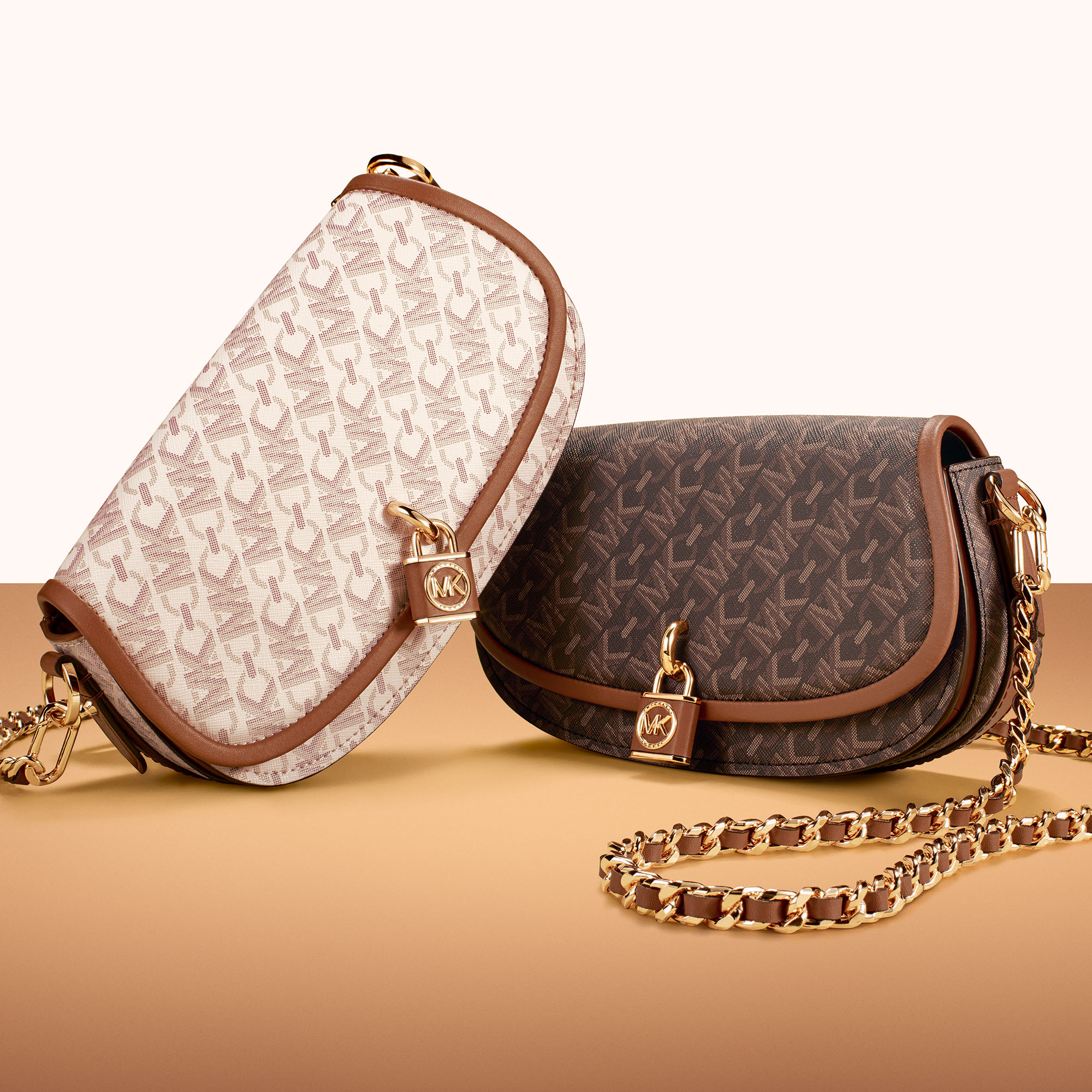
A new season means a new print to covet. Elegantly entwining the brand’s iconic Signature Logo with the architecturally inspired Empire motif, Empire Signature captures the mix of timeless glamour and modern ease that lies at the heart of Michael Kors’ design esthetic.


To celebrate the fall launch of Empire Signature, the print has been splashed—in chic, tonal neutrals—on a range of items and silhouettes, including ready-to-wear, shoulder bags, totes, sling packs, crossbodies, camera and messenger bags, card cases and footwear. Whether worn head to toe or as an accent on a tote bag or crossbody, the distinctive pattern adds a chic and polished finish to any look.
For fall 2023, Empire Signature takes centre stage in a sleek new campaign starring models Grace Elizabeth and Malik Anderson, captured by photographer Ethan James Green. You’ll also see Michael Kors global ambassadors, Dahyun & Shu Qi, wearing the new Empire Signature print with style, above. —Vita Daily
share:

March 11th, 2026 at 5:36 am
When I first started sharing photos of my own style experiments and favorite pieces online, I really wanted to brand my images with a small, consistent logo. I quickly realized I didn’t have expensive software, so I looked up how to put a logo on a picture without photoshop
. I found a guide that was a lifesaver—it compared several free and paid tools like Canva and Fotor, which are super easy to use. It even explained how to use a tool that lets you add a logo while also enhancing the photo itself, which was perfect for making my fashion flat-lays look more polished. Now I can subtly add my little “signature” to images before posting, which makes my feed feel much more cohesive, just like how a designer uses a signature print to tie a collection together.